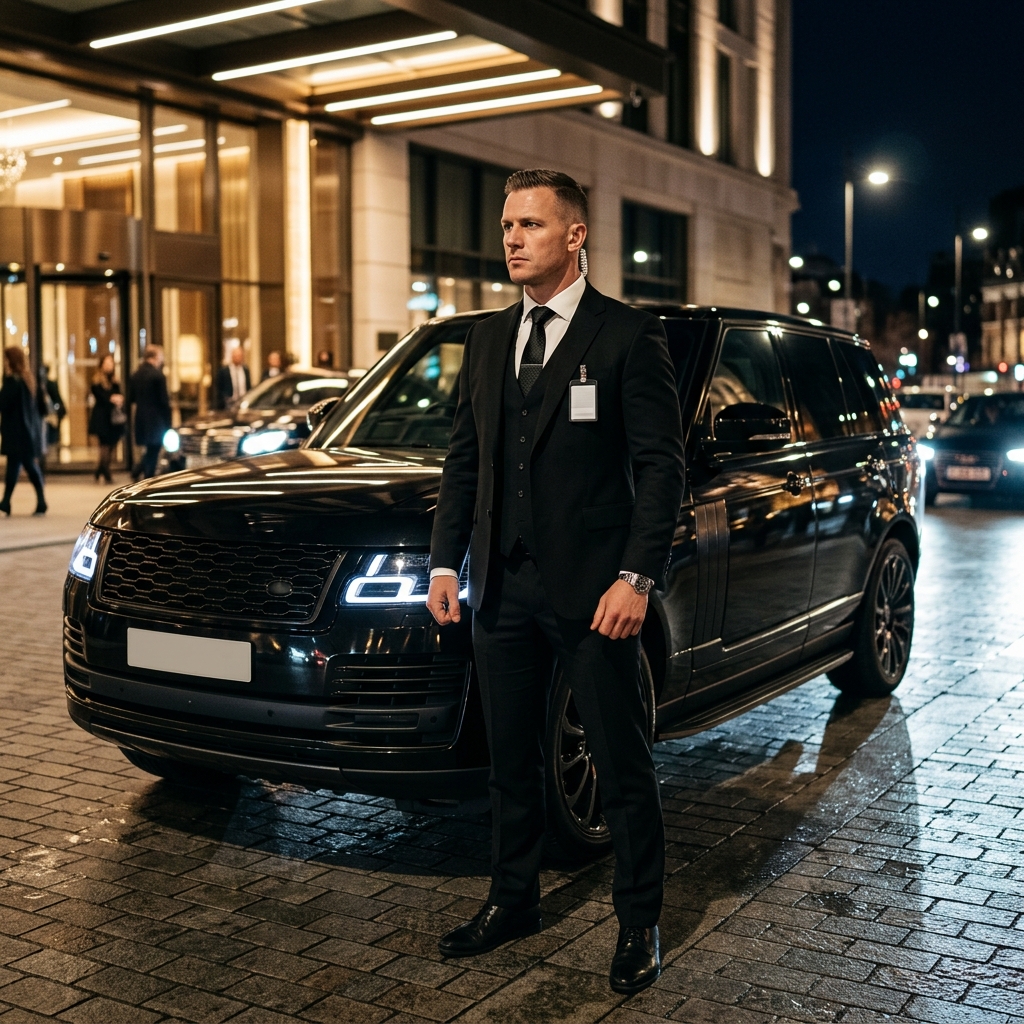
Welcome to image alignment! The best way to demonstrate the ebb and flow of the various image positioning options is to nestle them snuggly among an ocean of words. Grab a paddle and let’s get started. On the topic of alignment, it should be noted that users can choose from the options of None, Left, Right, and Center. In […]
网站内容图片优化指南
图片在提升用户体验和优化SEO方面发挥着重要作用。本文将指导您如何以最有效的方式排列和对齐图片。
1. 图片对齐选项
用户可以选择以下对齐方式:不对齐(None)、左对齐(Left)、右对齐(Right)和居中(Center)。此外,您还可以选择图片尺寸,如:缩略图(Thumbnail)、中等(Medium)、大图(Large)和原始尺寸(Fullsize)。
2. 图片对齐示例
2.1. 居中对齐图片

上方图片居中对齐,在内容中保持了良好的视觉平衡。
2.2. 左对齐图片
 此文字演示了图片左对齐的效果。请注意,图片与文字之间需要保持适当的间距,以确保美观性和可读性。
2.3. 无对齐图片

这张大图未设置对齐方式,但在内容区域中仍保持了视觉平衡,不会造成布局混乱。
2.4. 右对齐图片
 这是图片右对齐的示例。文字排列合理,不会遮挡图片或使读者感到视觉混乱。
3. 为图片添加说明文字
说明文字有助于使图片更加清晰易懂。以下是一些示例:
居中对齐图片说明文字,尺寸580×300。
左对齐图片的简短说明文字。
右对齐图片的说明文字。
4. 结语
正确地对齐和使用图片不仅能改善用户体验,还有助于优化SEO。如果您需要更多关于网站内容优化的建议,请立即联系VN24H保安服务公司,热线:0911.475.911,或通过Zalo联系VN24h保安。我们始终以尽心尽力 - 诚实真诚 - 正直守信为宗旨,随时为您提供支持。